

Stop re-briefing Claude on the same jobs every week
The Solo Operator Skill Pack is 12 ready-to-install Claude Skills for the work you repeat: client emails, cold outreach, meeting notes, SOPs, bookkeeping prep, weekly planning, and more. Install once, and Claude runs the right one on its own.
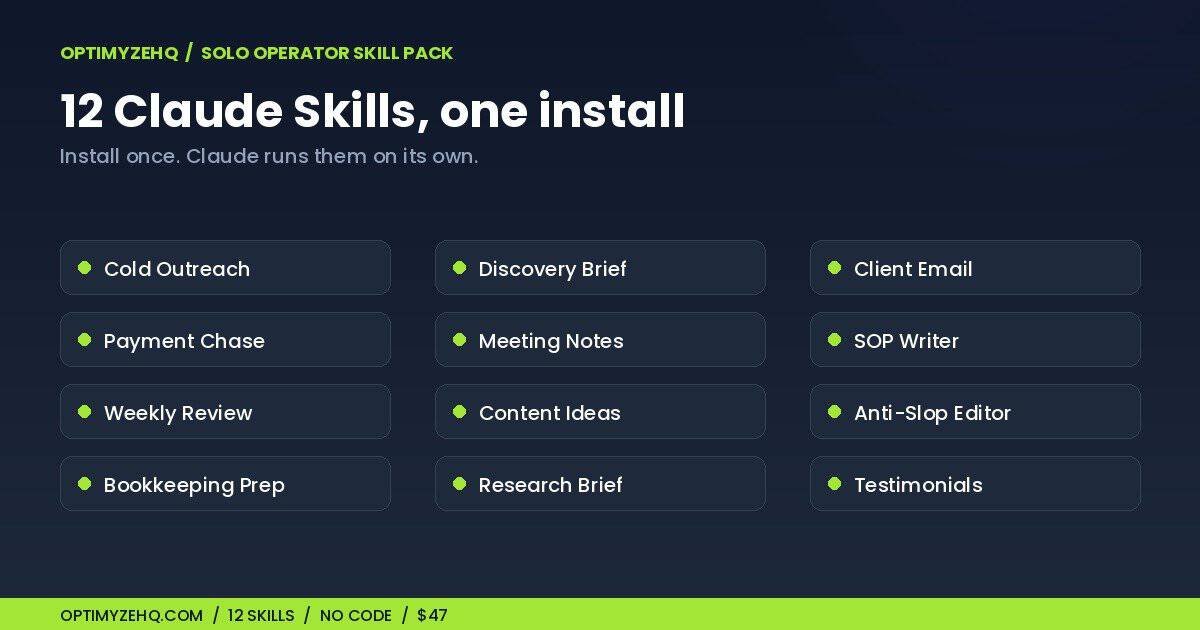
The 12 skills inside the Solo Operator Skill Pack
Twelve role skills, each one a repeatable job baked into a single instruction file. No code, no connections. Open any one and read exactly what Claude will do.
- Cold Outreach Writer. A personalized first email from a name, a company, and one real detail.
- Discovery to Brief. Messy call notes become a structured project brief, ready to quote.
- Client Email Responder. Warm-but-firm replies for updates, delays, scope creep, and boundaries.
- Payment Follow-up. A polite, escalating reminder sequence that gets invoices paid.
- Meeting Notes to Actions. A transcript becomes a summary, owned tasks, and a recap email.
- SOP Writer. A brain-dump becomes a clean, repeatable procedure with a done-check.
- Weekly Review and Plan. Your week becomes a prioritized plan, capped at three real priorities.
- Content Idea Engine. A topic becomes a batch of on-brand angles, each with a hook and format.
- Anti-Slop Editor. Wordy, AI-sounding text becomes clear, human prose.
- Bookkeeping Prep. A transaction list becomes a categorized, accountant-ready summary.
- Research Brief Builder. A long document becomes a decision-ready brief.
- Testimonial and Case-Study Drafter. A client’s kind words become a polished testimonial and case study.
Each skill was spot-tested on Claude before it shipped, and every one is plain instructions you can read in under a minute. Nothing hidden, no code to trust. New to the idea? Start with what Claude Skills are for a solo operator.
How it works
- Get the pack. The delivery email links your access hub with all 12 skills, the full instructions, and a setup guide.
- Turn on code execution. In Claude, open Settings, then Capabilities, and switch on Code execution and file creation. One toggle.
- Upload a skill. In Customize, then Skills, click +, choose Create skill, Upload a skill, pick the ZIP, and toggle it on.
- Describe a task. Claude loads the right skill on its own, in chat, in Cowork, and in the Word, Excel, and PowerPoint add-ins.
Works on Claude Free, Pro, Max, Team, and Enterprise, as long as code execution is on. No terminal, no Claude Code, no setup beyond the upload. If you want the platform walkthrough of the upload step, Anthropic’s getting-started guide for Skills covers it.
Prompts you paste, or skills Claude runs
If you have the Solo Operator Prompt Library, this is the upgrade. A prompt is something you paste into Claude every time, then fill in. A skill is the same thinking installed once, so Claude runs it on its own when the job comes up, with the method, the format, and the guardrails already baked in.
The Prompt Library is the paste-and-run starting point at $37. The Skill Pack takes the jobs you repeat most and turns them into always-on specialists that follow you across chat, Cowork, and your Word, Excel, and PowerPoint sidebar. You do not need the Library first; the Skill Pack stands on its own.
One line holds the whole difference: prompts you paste, skills Claude runs.
Who this is for (and not)
Built for
- Solo operators on Claude Pro or Max who repeat the same handful of jobs every week
- Anyone tired of re-pasting their context and voice rules into every new chat
- People who want consistent output without hunting for the right prompt each time
- Prompt Library owners ready to move from pasting to installed skills
Not for
- Anyone who wants automation that runs without them. A skill drafts when you ask; it does not send or post on its own.
- Developers looking for Claude Code skills in a terminal. These are no-code Claude.ai skills you upload in the browser.
- Anyone expecting one skill to do everything. Each is focused on a single job.
- Replacing your judgment. The skills draft and structure; you review and decide.