

Turn one post into a week of social content
The Content Repurposing Skill Pack is seven Claude Skills and four prompts that turn one thing you already published into platform-native posts for LinkedIn, X, Instagram, Reels, and Pinterest. In your voice. Install once, and Claude does the format work on its own.
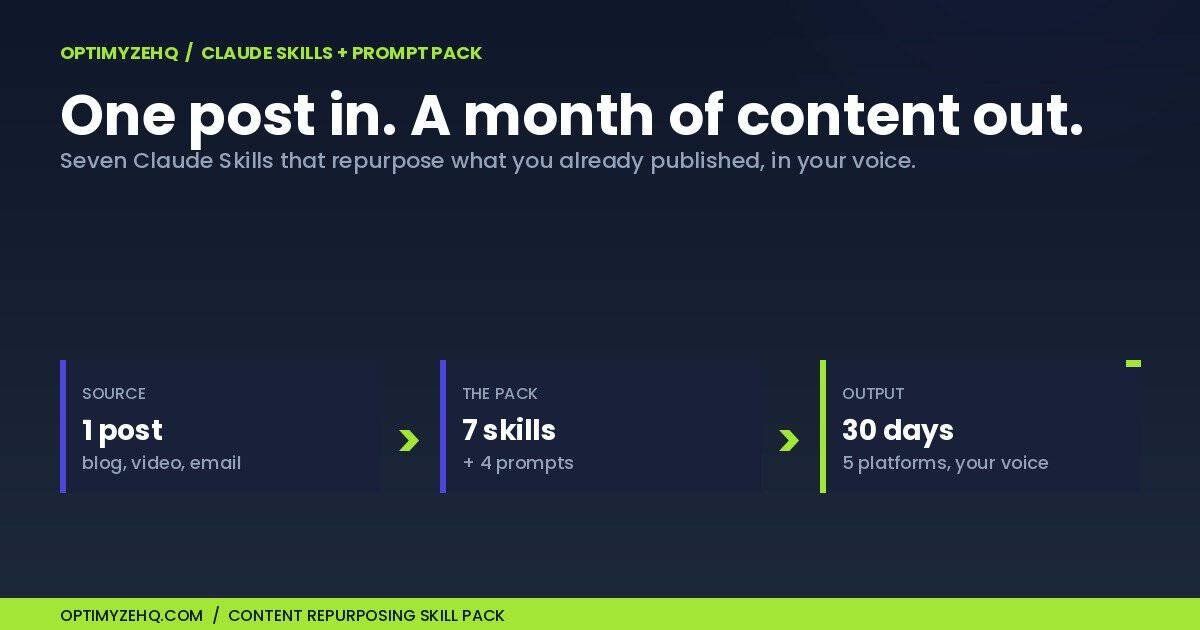
The 7 skills inside the Content Repurposing Skill Pack
Each skill is one repeatable job baked into a single instruction file. No code, no connections. Claude loads the right one on its own when you ask, and every one returns a clean, consistent house format you can read in under a minute.
- Post Atomizer. One published piece becomes a ranked menu of standalone angles, each with its best format. The engine that starts every sprint.
- LinkedIn Post Writer. An angle becomes a native post with a real hook, white space, and a soft prompt.
- X Thread Writer. An angle becomes a complete numbered thread, with Threads and Bluesky adaptation notes.
- Instagram Carousel Writer. An angle becomes slide-by-slide copy and a caption, ready to design.
- Reel Script Writer. An angle becomes a short-video script with a first-two-seconds hook and on-screen text.
- Pinterest Pin Writer. An angle becomes search-ready pin copy that keeps earning saves for months.
- Sprint Planner. Your angles become a dated posting calendar with an honest cadence and a cut list.
And four prompts you paste when you need them: a Voice Extractor that trains Claude on your own writing, a Voice Check that catches drift before you post, a Back-Catalog Triage that picks what to repurpose first, and a Cross-Platform Adapt that spins a finished post into a native sibling on another channel. New to the idea? Start with what Claude Skills are for a solo operator.
See it work: one post, a month of posts
The pack ships with a full 30-day worked example, built from four real published posts. You watch the Post Atomizer pull the angles, the Sprint Planner lay them across a month on five platforms, and the platform skills write five finished, paste-ready assets, one for each channel. Nothing is mocked up.
Want to see the method first, for free? The blog walks through how to repurpose one blog post into a week of social media by hand. The Content Repurposing Skill Pack is what turns that method into a one-command, voice-true machine you run in minutes instead of an afternoon.
How it works
- Get the pack. The delivery email links your access hub with all seven skills, the four prompts, the install guide, and the full 30-day worked example.
- Turn on code execution. In Claude, open Settings and switch on code execution. One toggle.
- Upload a skill. In Customize, then Skills, choose Upload a skill, pick a ZIP, and toggle it on. Repeat for the seven.
- Atomize and write. Paste a post and say “atomize this for repurposing.” Pick a few angles, ask for them by platform, and the right skill fires.
Works on Claude Free, Pro, Max, Team, and Enterprise, as long as code execution is on. No terminal, no Claude Code, no setup beyond the upload. Anthropic’s guide to using Skills covers the platform walkthrough.
The Claude-native side of your content engine
This is the companion to the Creator Content Engine. CCE builds the pipeline that keeps your content flowing; the Content Repurposing Skill Pack makes the repurposing step Claude-native and multi-format, so one source piece fans out into every channel in your voice. You do not need CCE to use the pack, and if you own CCE, your Voice DNA drops straight into the skills.
Want both? Get the Creator Content Engine and the Content Repurposing Skill Pack together for $89 and save $15. Get the bundle.
It also starts where the free method stops. A prompt is something you paste in every time, then fill in. A skill is the same thinking installed once, so Claude runs it on its own with the format and the guardrails already baked in. One line holds the whole difference: prompts you paste, skills Claude runs.
The Voice Extractor prompt is worth running on day one. Feed Claude a few of your best posts, save the Voice Profile it builds, and every asset the skills produce comes out sounding like you instead of generic AI.
Who this is for (and not)
Built for
- Solo creators and freelancers who publish good long-form work but post inconsistently on social
- Anyone who repurposes by hand and wants the format work to take minutes, not an afternoon
- People who want every channel to sound like them, not like a generic AI rewrite
- Creator Content Engine owners who want the Claude-native, multi-format repurposing layer
Not for
- Anyone who wants posts published automatically. The skills draft when you ask; they do not post on their own.
- Developers looking for Claude Code skills in a terminal. These are no-code Claude.ai skills you upload in the browser.
- Anyone with no source material yet. The pack repurposes what you have published, it does not invent topics from nothing.
- Replacing your judgment. The skills draft and structure; you approve, schedule, and post.