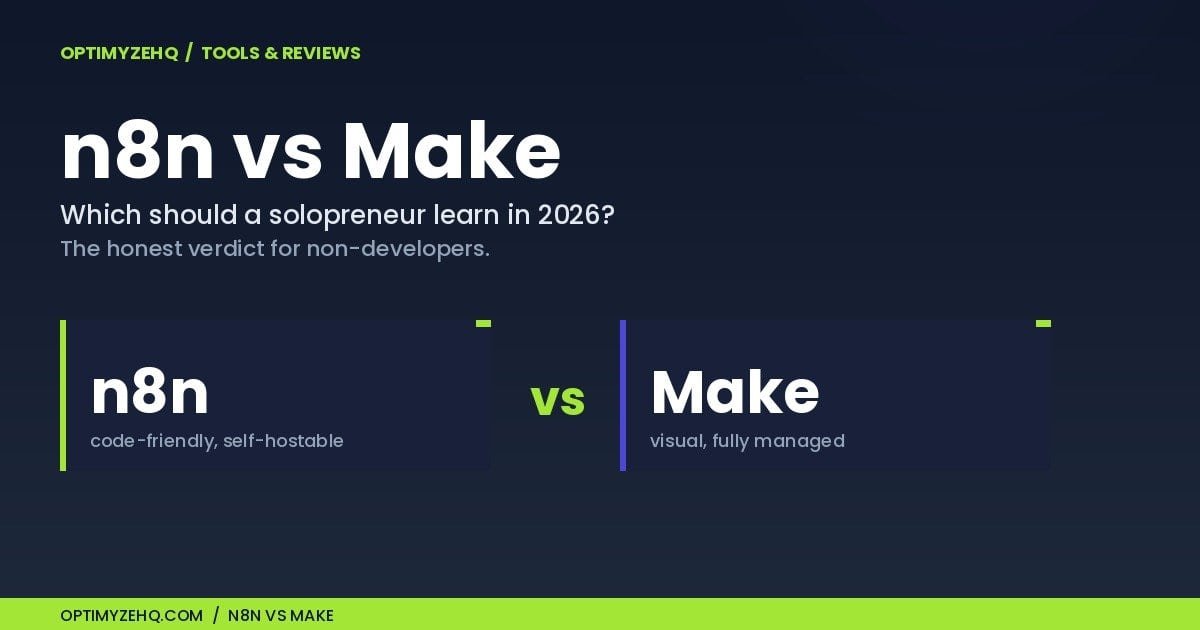
n8n vs Make: Which Should a Solopreneur Actually Learn in 2026?
Here is the short version, then I will show my work. If you are a non-developer who wants your first paid automation running this week, learn Make. If you are technically curious, you care about owning your data, and you are building toward AI agents, learn n8n. That is the whole n8n vs Make for beginners decision in two sentences, and the rest of this piece is the reasoning behind it.
One disclosure first, because it shapes everything below. The paid automation systems I sell, the Creator Content Engine and the Client Pipeline Engine, run on Make. I use it most days. So I have a reason to like it, and I have gone out of my way to name the places where n8n is the better tool. Wherever I make a claim about either platform, I link the primary source and date it.
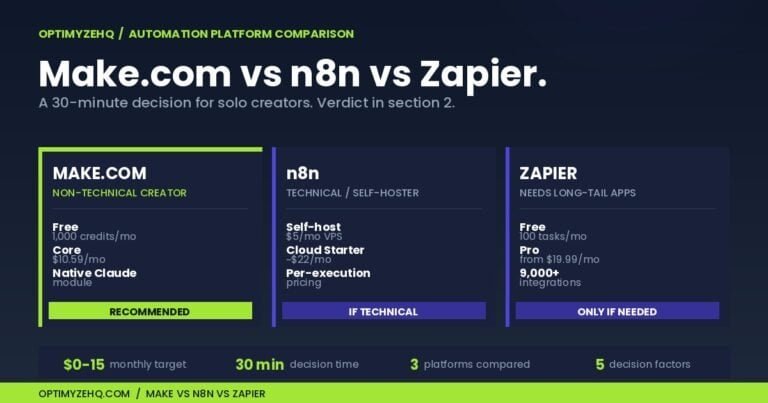
This is the deep dive for anyone choosing between n8n and Make, written for the solo creator or freelancer who has already decided to automate and is now choosing where to spend their learning hours. It is not the three-way version. If you are also weighing Zapier, start with Make vs n8n vs Zapier for solo creators, which sorts all three in about thirty minutes. This piece goes deep on the two-tool commitment, because picking a platform you will live in is a bigger decision than picking one workflow.
The one thing that decides it: how they charge
The pricing models are not the same shape, and that single difference drives most of the verdict.
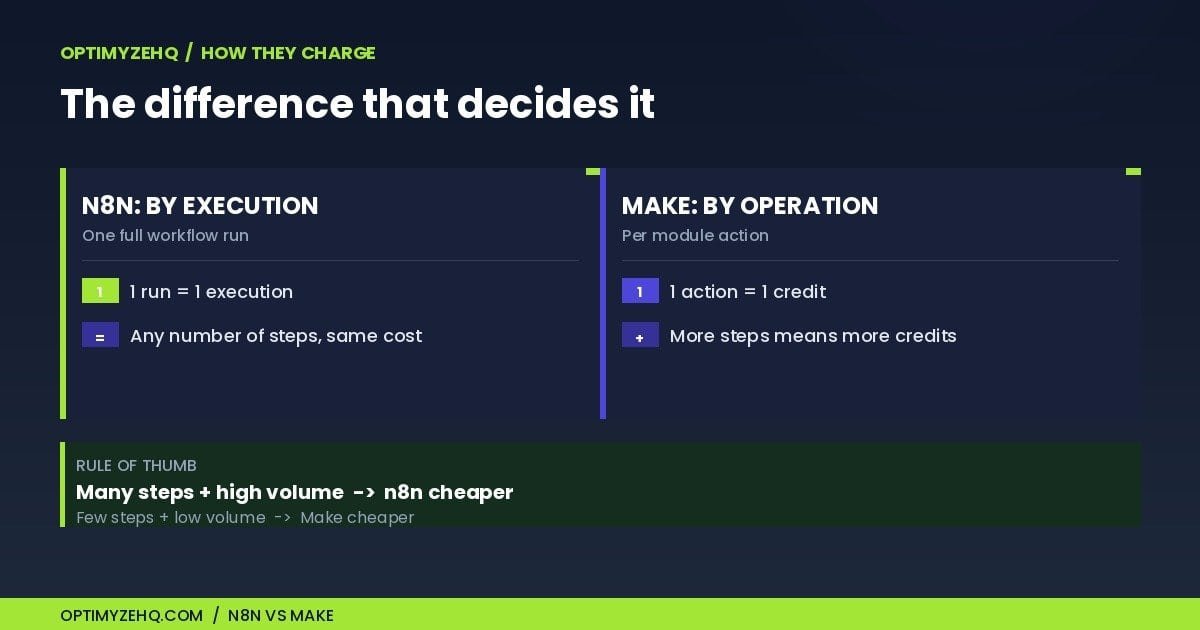
n8n bills by execution. An execution is one full run of a workflow, start to finish, no matter how many steps it contains. n8n’s own pricing page says it plainly: a run of your entire workflow is a single execution whether it has three steps or thirty.
Make bills by operation, which it meters as credits. Most modules consume one operation each time they run. So a workflow that fires an RSS trigger, calls Claude, and writes to Notion is roughly three operations on Make and exactly one execution on n8n.
That is the crossover in one line. Simple, low-volume automations stay cheap on Make. Multi-step, higher-volume automations get cheaper on n8n, and the more steps each run contains, the wider that gap grows.
Here is what each costs as of June 2026. Check the live pricing pages before you commit, because both move.
| Plan | Price (June 2026) | What you get |
|---|---|---|
| Make Free | $0 | 1,000 credits/mo, 2 active scenarios, 15-minute minimum interval |
| Make Core | $9/mo billed annually ($10.59 monthly) | 10,000 credits/mo, no 2-scenario cap, faster intervals |
| n8n Cloud Starter | €20/mo billed annually (€24 monthly) | 2,500 executions/mo, unlimited active workflows, 5 concurrent |
| n8n Cloud Pro | €50/mo billed annually | 10,000 executions/mo, more concurrency and projects |
| n8n self-hosted (Community Edition) | Free software; a small server starts ~€4 to €12/mo, plus your maintenance time | Unlimited executions, you run and maintain it |
Two notes that matter. n8n prices in euros because the company is based in Berlin, so I am quoting its native currency rather than a converted dollar figure that would drift with the exchange rate. And both subscriptions are separate from what you pay your AI provider: every Claude call is billed by Anthropic by the token, separately from either subscription. Small text tasks cost a fraction of a cent to a few cents per run; long documents or multi-step agents cost more.
To run the crossover yourself you need only two numbers: how many steps a typical workflow has, and how many times a month you expect it to run. As a rough first pass, multiply the steps that actually fire by the runs for the Make side, and compare that against the runs alone for the n8n side. It is only an estimate, because routers, iterators, polling triggers, and AI steps can change the Make total, and self-hosting adds the server and your maintenance time on the n8n side. Five minutes of honest estimating gets you close enough to choose.
Here is that difference in numbers. Make Core covers 10,000 credits a month; n8n Cloud Starter covers 2,500 executions. Take the four-step workflow above and run it 2,500 times a month: on Make that is roughly 10,000 operations, right at Core’s limit, and on n8n it is 2,500 executions, right at Starter’s. Double it to 5,000 runs and the two models split. Make is now near 20,000 operations, which moves you up a credit tier, while n8n is 5,000 executions, which sits inside Cloud Pro, or stays unlimited if you self-host. The more steps each run has, the sooner Make’s meter climbs. This assumes one item per run on a straight path; routers and iterators push the Make number higher.
The same first build, on both platforms
Frameworks are easy to explain and hard to trust until you watch one real build go through. So here is the same beginner automation wired on each platform: an RSS feed (or a form) triggers the workflow, Claude drafts or summarizes the item, and the result lands in Notion or your inbox.
| Step | n8n | Make |
|---|---|---|
| Trigger | RSS Feed Trigger node | Watch RSS feed items |
| Shape the data (optional) | Edit Fields node | Inline in the next module |
| Call Claude | Anthropic node (native) | Anthropic Claude app (native) |
| Deliver | Notion node | Notion module |
| Realistic count | About 4 to 5 nodes | About 3 to 4 modules |
Both platforms ship every piece of this natively. n8n has a built-in RSS Feed Trigger node, a native Anthropic node, and a Notion node. Make has an RSS module, a native Claude app that Make builds and maintains, and a Notion module. Neither build needs a line of code.
The honest difference is in the wiring. Make’s mapping panel, where you drag a field out of one module and drop it into the next, clicks faster for a first-timer: you point at the article title and drop it into the prompt. n8n asks you to think in terms of items, the JSON records that pass from node to node, which is one concept more to learn up front. In return, n8n shows you the exact output of every node as you build, which makes a misbehaving step easier to find later. For a build this size, neither should take more than an afternoon, and the first hour tends to feel easier on Make.
Where n8n genuinely wins
This is the part most comparisons skip, so I will be specific.
You can run n8n on your own server. The Community Edition is free software under n8n’s Sustainable Use License, which is fair-code, not the same thing as OSI open source. In plain terms: you can use, change, and self-host it for your own business at no charge; what you cannot do is resell n8n as a hosted service or white-label it. For workflows whose engine, credentials, and stored execution history must stay on infrastructure you control, Make has no equivalent self-hosting option.
| Who handles it | Make | n8n Cloud | n8n self-hosted |
|---|---|---|---|
| Server and updates | Make | n8n | You |
| Backups | Make | n8n | You |
| Platform upgrades | Automatic | Automatic | You |
| Data infrastructure control | Limited | Limited | Highest |
| Troubleshooting load | Lower | Lower | Higher |
One caveat people miss: self-hosting keeps the n8n engine and your stored run history on a server you control, but it does not keep your data local once a workflow sends it out. The moment a flow calls Claude, Notion, or Gmail, that data reaches those providers, the same as it would on Make. Self-hosting is about controlling the engine, not keeping every byte on your own machine.
So do not self-host only to save the subscription fee. If you are not ready to own updates, backups, and basic server security, n8n Cloud or Make will cost you less in lost evenings than a server you half-maintain.
The execution model pays off at volume. A workflow with a dozen steps is still one execution. If you run heavy, multi-step automations hundreds of times a month, n8n’s bill stays flatter than a per-operation meter, and self-hosting flattens it to the cost of the server.
It is also the more code-friendly tool when you want to go off the rails. n8n’s Code node runs JavaScript or Python and its HTTP Request node hits any API, both in the free edition, so a missing integration rarely blocks you. Make can also reach unsupported services through its own HTTP app; n8n’s real edge is the amount of code-level control inside the workflow, not exclusive API access. Its AI features run deeper too: a native AI Agent node has shipped since 2024, with memory and tool-calling, and the newer releases connect external tools to an agent. Make now ships its own AI Agents too; the difference is that n8n exposes more of the agent’s wiring directly, while Make keeps it inside the same visual builder.
The momentum is real, and it is measurable rather than vibes. n8n raised a $180 million Series C at a $2.5 billion valuation in October 2025, led by Accel. It finished 2025 as the number-one project on the JavaScript Rising Stars ranking, adding more than 112,000 GitHub stars in a single year, the largest one-year haul that ranking has recorded. None of that makes the tool easier to learn. It does mean the platform, the community, and the template library are all growing quickly.
Where Make wins
For the reader this piece is written for, the non-developer choosing a first platform, Make still holds the edge on the things that matter at the start.
It is friendlier on day one. In my experience Make is easier for most absolute beginners, and the reason is the visual mapping panel: you can build a working scenario without first holding a mental model of JSON in your head.
It is fully managed. There is no server to run, no SSL certificate to renew, no database to back up, and no broken update to fix at the wrong moment. Self-hosting n8n hands you all of that. Make hosts it for you.
Its app catalog is broader. Make advertises a larger ready-made app library than n8n’s native integration count, which means fewer cases where you fall back to a raw API call. Both companies publish their own totals, so treat the numbers as marketing-rounded rather than audited.
And I find its error handling gentler to learn on: visual error states and a built-in debugger show a beginner what broke at a glance. n8n surfaces more execution detail, which is powerful but takes longer to read at first.
Worth stating plainly: both companies are EU-based, n8n in Berlin and Make as part of Celonis, so the “European tool” point applies to either one and is not a tiebreaker on its own.
On getting unstuck, the two differ in shape more than quality: Make leans on structured docs and its Academy, while n8n leans on a large, active community forum and a fast-growing template library. Both are good places to land when a first build breaks.
The verdict: n8n vs Make for beginners, by who you are
The verdict comes down to one question: which row below describes you?
| If you are… | Learn | What would flip it |
|---|---|---|
| A non-developer who wants a first paid automation live this week | Make | Your workflows routinely run more than ~5 steps hundreds of times a month: re-check the crossover above |
| Technically curious, fine in a terminal, building toward AI agents | n8n, on Cloud first | You find you never reach for the Code node or self-hosting, in which case Make’s simpler setup would have served you as well |
| Handling data that has to stay on your own infrastructure | n8n, self-hosted | You would rather not maintain a server: n8n Cloud or a managed host removes that for you |
| Still unsure | Make first | Nothing major: the concepts transfer even if the workflows do not, so a small setup is quick to move later (rebuilding many production automations is more work) |
The last row is the safe one, and here is why. Triggers, conditions, mapping data between steps, and calling an AI model are the same ideas on both tools. Learn them once on Make and most of what you know ports to n8n, even though the screens look different. That is also why I would not agonize over this choice. Find the row you are in, pick the tool next to it, and start building this week.
FAQ
Is n8n free?
The self-hosted Community Edition is free software. You pay for a server (a small one starts around €4 to €12 a month) plus backups, monitoring, and your own time maintaining it. n8n Cloud is not free beyond a 14-day trial, and it starts at €20 a month billed annually.
Is n8n harder to learn than Make?
For a non-developer, yes, at the start. n8n asks you to understand items, the JSON records passed between nodes, earlier than Make does, while Make’s visual mapping is friendlier on day one. The gap narrows once you are comfortable with data structures.
Is n8n open source?
Not in the OSI sense. It uses a fair-code Sustainable Use License: free to use and self-host for your own business, but you cannot resell it as a hosted service or white-label it.
n8n vs Make, which is cheaper?
It depends on your workflows. Simple, low-volume automations are cheaper on Make’s entry Core plan. Multi-step, high-volume automations get cheaper on n8n, because one full run is a single execution no matter how many steps it has, and self-hosting removes the per-run cost entirely.
Can I switch from Make to n8n later?
Yes, and it costs less than people fear. There is no one-click migration, so you rebuild the workflows by hand, but the concepts (triggers, filters, data mapping, AI calls) carry straight over. Starting on Make does not lock you out of n8n.
Where to go next
If you are starting from zero, the single best next step is my no-code Make.com guide for beginners, which walks the first build end to end. (Still weighing Zapier? The three-way comparison covers all three. And if you are wondering whether an AI tool could replace the automation entirely, see Make vs Zapier vs Claude Cowork.) And if you would rather run a ready-made system on Make than build one yourself, the Creator Content Engine and Client Pipeline Engine are this same logic already wired.
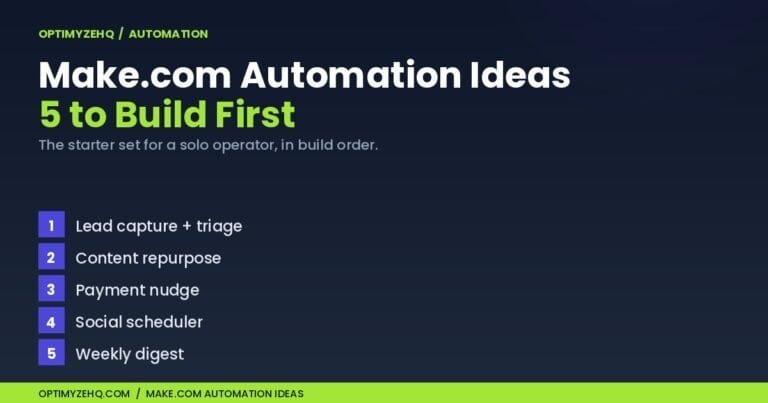
Chosen Make? Then the next question is what to build. The five Make.com automations to build first is a copyable starter set in build order.