Write a Client Proposal With AI: A 5-Part Method That Closes
A proposal is where a lot of good freelancers lose work they should have won, or win it and lose the margin. The draft takes an evening you do not have. It reads like a list of tasks. And the scope is loose enough that “one small change” quietly becomes ten. AI can take most of that pain away, but only if you point it at the right job.
This is a method to write a client proposal with AI that actually closes, paired with a statement of work that keeps the project from leaking. One thing up front: this is not about Upwork or Fiverr bid cover letters. It is about the real proposal you send a prospective client for a project, the one with deliverables, milestones, pricing, and terms. Below is the five-part method, a prompt you can paste today, and the point where it turns into a repeatable system.
Why most client proposals lose, or leak money
There are two failure modes, and they cost you in different ways. The first is losing the deal: a generic proposal that lists your services, talks about you, and never names the client’s actual problem. The second is winning the deal and then losing on it: a proposal with vague scope and no written boundaries, so every “quick addition” eats hours you never billed.
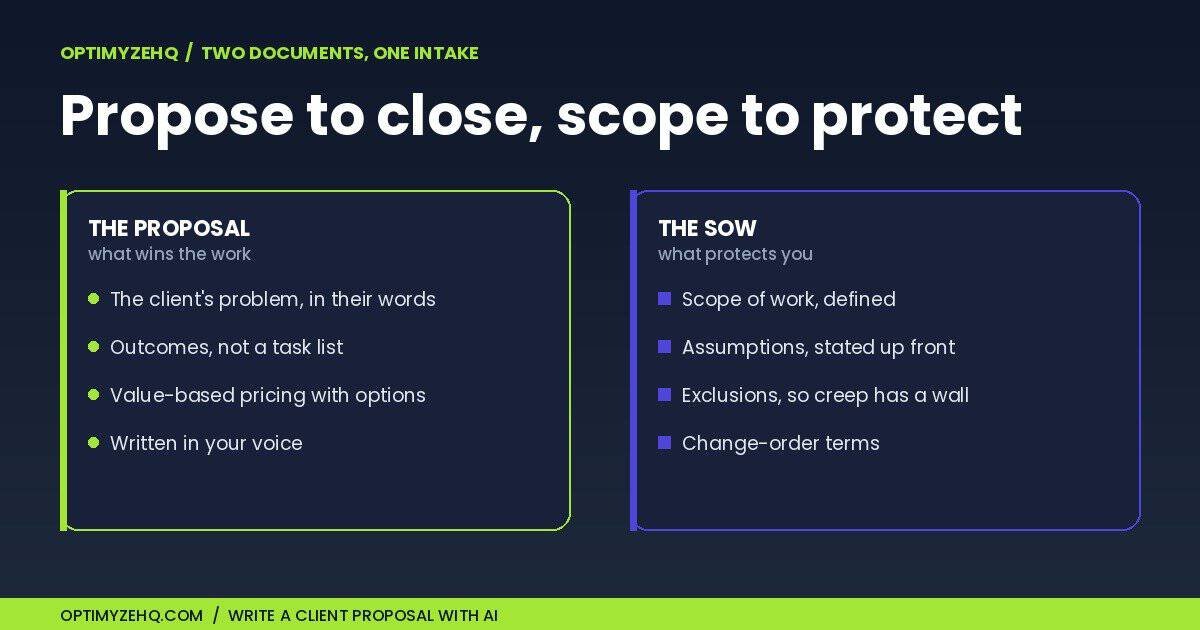
A strong proposal solves the first problem. A clear statement of work solves the second. AI helps you produce both quickly, which is the whole reason most people skip the second one. Speed is exactly what removes the excuse.
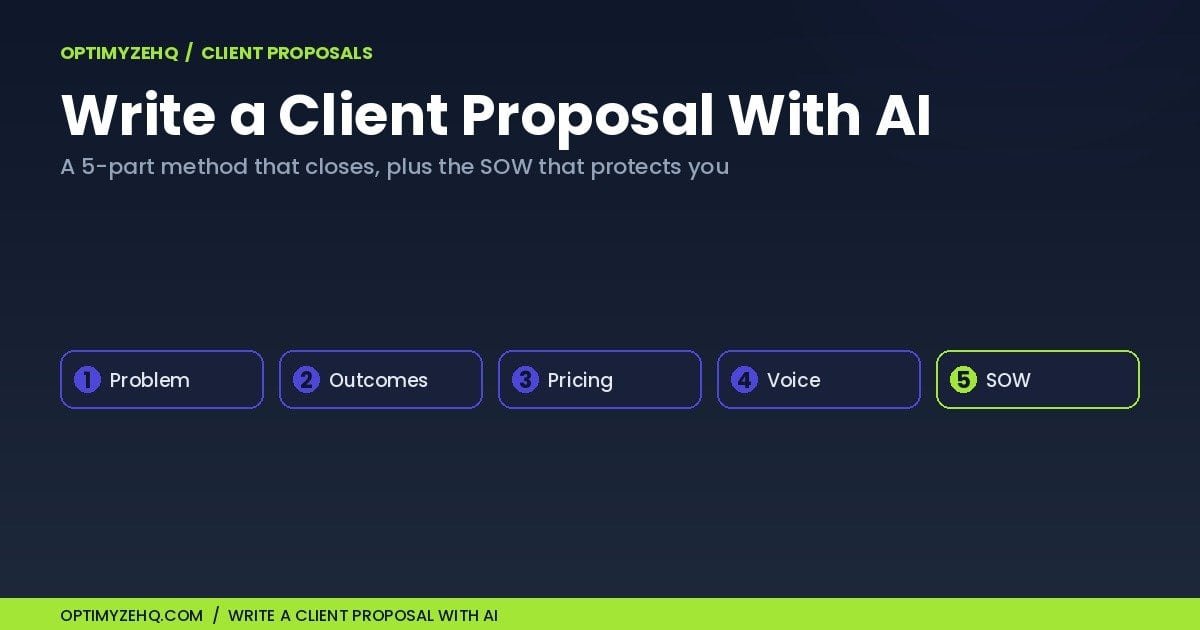
Write a client proposal with AI: the 5-part method
The structure matters more than the wording. Get these five parts right and the draft almost writes itself, with or without a model doing the typing. If you would rather see the full system laid out step by step first, I cover it in how to write a freelance proposal; this guide is that same job with a model doing the drafting.
1. Start from the client’s problem, not your services
A proposal that opens with “About me” has already lost the room. Open with the client’s situation in their own words, the cost of leaving it unsolved, and the outcome they want. Feed the model the client’s brief, your notes from the call, and their site, and ask it to state the problem and the desired outcome before it writes anything else. If it cannot state the problem clearly, you are not ready to send a proposal. You are ready to ask better questions.
2. Turn deliverables into outcomes, not a task list
Clients do not buy “five blog posts.” They buy “a content engine that brings in qualified leads.” List what you will deliver, then have the model reframe each deliverable as the outcome it produces. For example, “set up an email newsletter” becomes “a welcome sequence that turns new subscribers into booked discovery calls.” This is where AI earns its keep: hand it your rough bullets and it expands them into clear scope language that still reads like a person wrote it. You provide the substance, the model provides the polish. Pair those outcomes with a realistic timeline or milestones, so the client sees not only what they get but when.
3. Price on value, with options
A single price invites a yes or a no. Three options invite a choice. Offer a good, better, and best structure. Lead with the most complete option so it anchors the rest, and make the difference between the tiers obvious so the choice is clear. Let the model draft the description of each tier from your inputs. Keep the pricing decision yours: the model writes the language, it does not set your rates. For how to think about the rates themselves now that AI does much of the work, that is its own question, and I worked through it in what to charge when AI does most of the work.
4. Make it sound like you
A proposal that reads like every other AI draft tells the client you did not care enough to write it yourself. The fix is a voice profile: a short, reusable description of how you write, built from your own past proposals and emails, that you hand the model every time. It is the difference between a draft that is merely competent and one that is clearly you. The method for building a reusable profile once is in training AI in your brand voice.
5. Attach the SOW that protects you
This is the part most people skip and later regret. A statement of work puts the scope in writing: what is included, what is explicitly excluded, the assumptions you priced against, and what happens when the client wants something new (a change order, not a quiet favor). It is not legal armor. It is a shared understanding that stops scope creep before it starts. On a larger or higher-risk project, it belongs inside or alongside a proper client agreement, not in place of one. Have the model draft the SOW from the same intake as the proposal, then read every line yourself. The proposal wins the work. The SOW is what keeps the work worth winning. If you want the full breakdown, here is how to write a statement of work, part by part.
A starter prompt you can paste
Here is a working prompt to write a client proposal with AI, plus its statement of work, from a single brief. Treat it as a starting point, not a finished system. Tighten it to your own services, and always edit what comes back.
You are helping me write a client proposal and a statement of work.
Here is the brief: [paste the client's brief and your call notes].
Here is my voice profile: [paste your voice profile, e.g. direct, concrete, no jargon].

Write two documents.
1) A proposal with: the client's problem in their own words,
   the outcome they want, the deliverables framed as outcomes,
   three pricing options (good / better / best), a realistic timeline
   or milestones, and a clear next step.
2) A statement of work with: scope included, scope excluded,
   the assumptions behind the price, and how change requests are handled.

Format both as clean Markdown with clear headings, ready to paste
into a document.

Ask me up to three questions if anything essential is missing,
before you write.
That last line does more than it looks. A model that asks before it assumes gives you a far better draft than one that fills the gaps with invention, and it keeps a deliverable, a date, or a guarantee that was never discussed from ending up in front of a client.
From a draft to a system
The prompt above is fine for one proposal. The friction shows up on the tenth, when you are rewriting the same scope language, the same exclusions, and the same pricing tiers from a blank page every time. That is the moment a method wants to become a system: a reusable scope-and-deliverables bank, your pricing tiers written once, a set of standard assumptions and exclusions you trust, and an intake that turns a messy brief into a drafted proposal and SOW in one pass. An optional Make automation can carry the intake from a form straight to a draft, so you spend your time editing rather than staring at an empty document.
That system is what we packaged into the Proposal & SOW Engine, now live: two tested prompts that draft the proposal and the matching SOW from one brief, a reusable scope-and-deliverables bank, value-based pricing templates, a standard assumptions-and-exclusions library, and a full worked example to model. The five-part method above carries you a long way on its own. The Engine is for the point where you write proposals often enough that starting from your own saved system beats facing a blank page.
Where to start
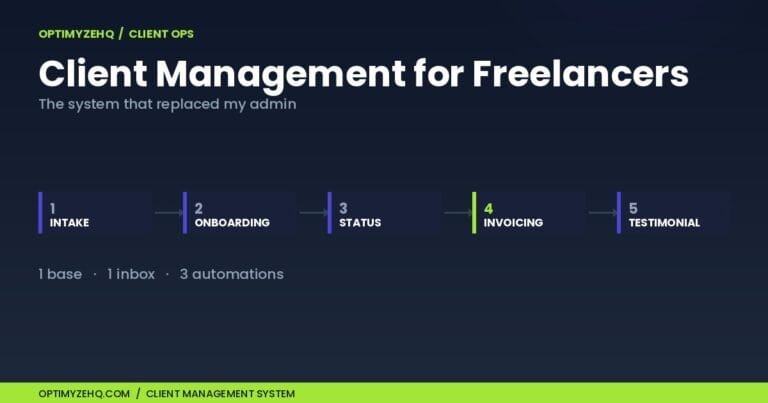
If you want a place to begin today, the Free AI Starter Kit includes prompts you can adapt for client work. Once a proposal is signed, the next document is the onboarding flow, which I broke down in the client onboarding checklist, and the system that runs the engagement after that is in client management for freelancers. Write the deal, onboard cleanly, then run it.
FAQ
Is this for Upwork or Fiverr proposals?
No. This is for the project proposal you send a prospective client directly, the one with deliverables, pricing, and terms. Marketplace bid cover letters are a different and much shorter format, and there are tools built specifically for those. The method here is for winning real client engagements.
Will an AI-written proposal sound generic?
Only if you skip the voice profile and the editing pass. Out of the box, a model writes like a capable stranger. Give it a voice profile built from your own writing and do a quick human read before sending, and it reads like you wrote it on a good day.
Do I really need a separate SOW?
For anything beyond a tiny one-off, yes. The statement of work is where scope, assumptions, and exclusions live, and writing them down is the cheapest insurance against scope creep you will ever buy. The proposal sells the outcome; the SOW defines what you are and are not on the hook for.
Can AI set my prices?
No, and you should not hand it that decision. The model is good at writing the language around your pricing, the tier descriptions and the value framing. The numbers themselves are a business call that depends on your costs, your market, and your risk, none of which the model can see.
What tools do I need?
A capable AI model and a place to keep your reusable parts, which can be a single document or a Notion workspace. An optional automation tool like Make can turn an intake form into a drafted proposal, but you do not need it to start. The method works with a saved prompt and a blank page.
Is my client’s information used to train the AI?
When you call a model through its API with your own key, your inputs are not used to train it by default. In a consumer chat app, the default can run the other way unless you turn it off. Policies vary by provider and plan and they change, so check the current setting on the tool you use, and keep genuinely sensitive client details out of your prompts either way.