Client Management for Freelancers: The System That Replaced My Admin
Last fall I spent a Thursday morning I will never get back. Three clients had emailed some version of “any update on this?”, an invoice was twelve days overdue and I had not noticed, and a promising new inquiry sat unanswered in my inbox from Monday because I had been heads-down on delivery work. None of that morning was billable. All of it was preventable.
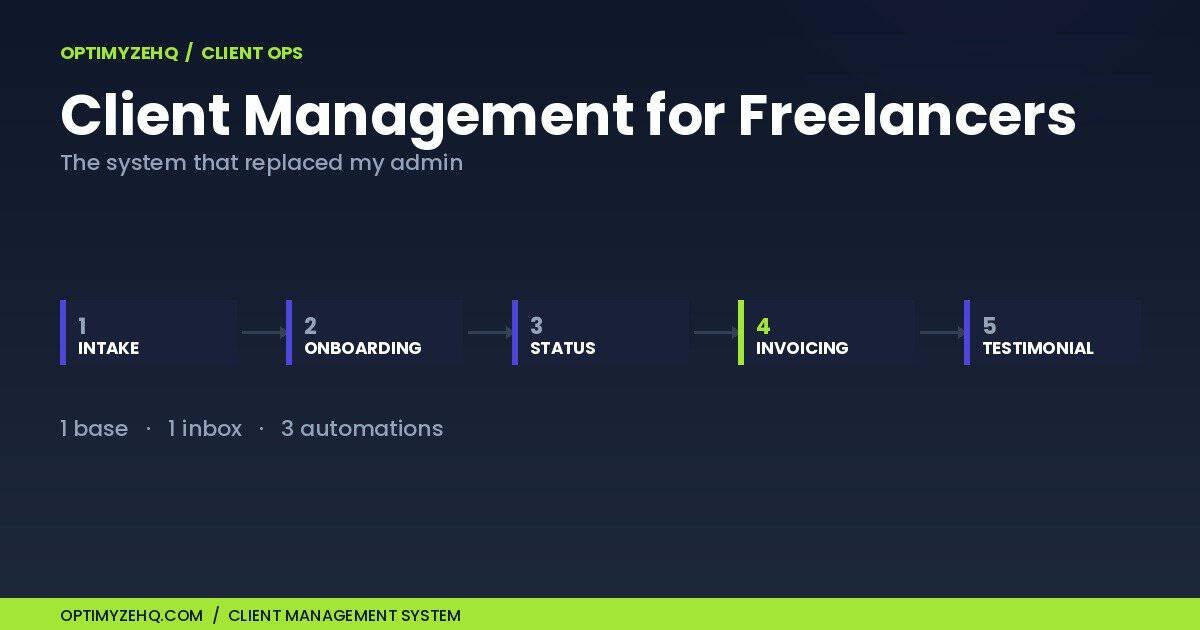
Client management for freelancers gets framed as a personality trait, something organized people have and the rest of us fake. It is not. It is five repeatable stages, and once you see them as stages you can run all five from one database, one inbox, and three automations. Intake, onboarding, status updates, invoicing, testimonials. That is the whole job. This is the system I built to run mine, what each stage actually does, and what I kept doing by hand on purpose.
Who this is for: freelancers and solo consultants running roughly three to ten active clients who are losing real hours each week to admin email. If you run an agency with a project manager, want a feature-by-feature CRM shopping list, or would rather not touch a database at all, this is the wrong page; the decision table further down will still tell you which direction to walk.
Why Does Client Admin Eat Your Week?
The short answer: because every client carries an invisible second workload, and nobody quotes for it. The visible work is the deliverable. The invisible work is answering the inquiry, collecting the project details, sending the kickoff email, remembering who got a status update and when, noticing the unpaid invoice, writing the reminder without sounding hostile, and asking for the testimonial you keep meaning to ask for.
The freelancermap Freelancer Study found that 43% of freelancers lose around five hours a week to unproductive tasks like chasing clients and admin. Five hours is the visible cost. The worse cost is the context switching: admin does not arrive in a tidy block, it arrives as seventeen interruptions, each one pulling you out of paid work. A client email that takes four minutes to answer can cost twenty minutes of regained focus.
The standard advice is discipline. Block Friday afternoons for admin, inbox zero, color-coded folders. I tried versions of all of it. Discipline-based systems fail for the same reason diets fail: they spend willpower, and willpower is exactly what you are out of by Thursday. The fix is not more discipline. It is making the recurring admin run on a schedule that does not consult your willpower at all.
What Is a Client Management System for a Freelancer?
A client management system is a single place that knows the current state of every client relationship, plus a small set of routines that act on that state. That is the whole definition. It is not a tool you buy; it is a structure you set up. An afternoon builds the base and the intake path; completing and testing all five stages takes a few more sessions.
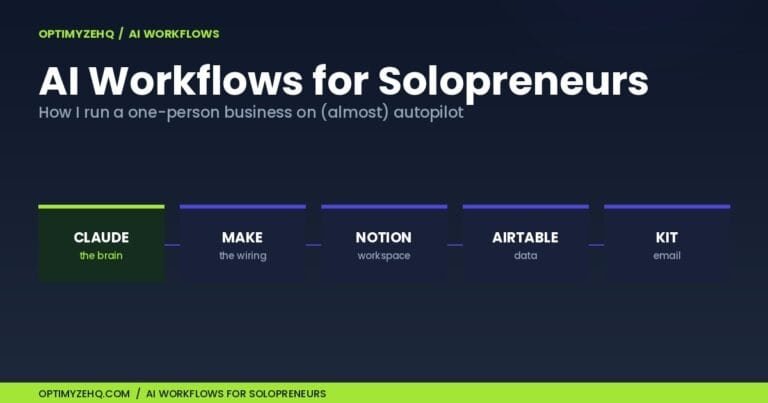
The state lives in a database. Mine is in Airtable (a base, in Airtable’s vocabulary, is one database) with three tables: Clients, Invoices, and a one-row Settings table holding my email signature, payment instructions, and tone notes. The routines are automations, small scheduled programs that read the database and act on what they find. Mine run in Make, a no-code automation platform where each automation is called a scenario, with Claude drafting the words where words are needed.
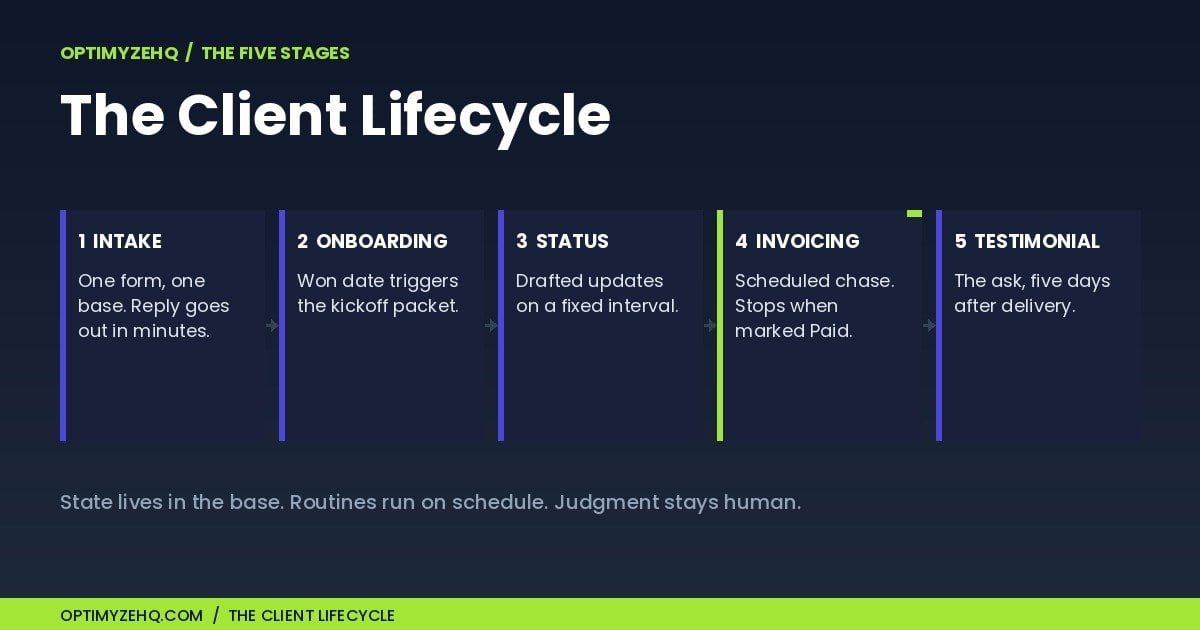
Every client relationship moves through the same five stages, whatever you sell:
| Stage | Trigger | What runs on its own | What stays yours |
|---|---|---|---|
| 1. Intake | New form submission | Acknowledgment sent, record created, you alerted | Qualify and reply personally |
| 2. Onboarding | Client marked won | Nothing; the base tracks it | Draft the packet with Claude, send it yourself |
| 3. Status | Update interval lapses | Progress note drafted | Review, edit, send |
| 4. Invoicing | Invoice past due | Reminder sent, tone picked by count | Mark paid; handle exceptions |
| 5. Testimonial | Days after completion | Ask drafted | Personalize and send |
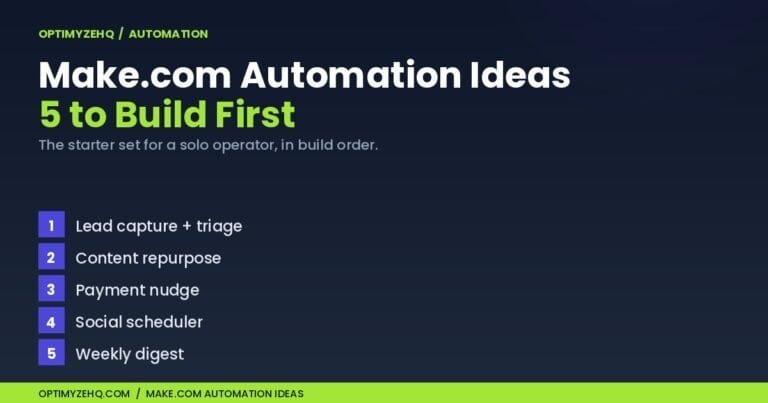
Most freelancers run stage 4 in their head, stage 3 reactively, and stage 5 never. The system’s whole job is to make each stage a field in a database instead of a worry in your head. Three Make scenarios run the five stages: one handles intake, a daily one runs the invoice chase, and a third drafts the status updates and testimonial asks. Onboarding is the one stage I keep manual end to end; the base tracks it so it cannot be skipped. This is the architecture behind the Client Pipeline Engine, a paid Airtable-and-Make template I sell that runs this exact lifecycle; I will point to it where the mechanics come from it, but everything in this article can be built yourself, and the build order is further down.
Stage 1: Intake, Answered in Minutes Instead of Days
The direct answer: route every inquiry through one form into your Clients table, and let an automation send the acknowledgment, so the response goes out in minutes even when you are deep in delivery work.
The mechanism matters here. A new inquiry lands in the Clients table through the form with its Pipeline Stage field empty. A Make scenario watches a view filtered to records where that stage field is blank, which means it only ever sees brand-new, unprocessed inquiries. For each one, it sends a short acknowledgment to the prospect, notifies me, and flips the stage to Inquiry. That flip drops the record out of the view, so each inquiry is processed exactly once. No duplicate emails, no missed ones.
The acknowledgment is a plain template, deliberately. It says thanks, sets a response window, and asks nothing. Speed is the entire value: my Monday inquiry that sat until Thursday is precisely the kind of revenue leak this stage exists to plug. The personal reply still comes from me, on my schedule. The system buys the time for that reply to be good. And not every inquiry arrives through the form; when one lands by referral or DM, I add it to the table by hand and let the same routine acknowledge it. The point is one system, not one doorway.
Stage 2: Onboarding, the Stage I Keep Manual
Onboarding should begin with one deliberate field change, because it is where new clients silently judge whether they chose well.
In my base, marking a client as won means setting the Pipeline Stage to Onboarding and filling the Won Date. This is the one stage I keep manual end to end, on purpose. The welcome email is the highest-trust email in the whole relationship, so Claude helps me draft it from my notes and tone settings, and I send it myself the same day. What the system contributes is visibility: an Onboarding Sent checkbox sits on every client record, and an unticked box on a won client is impossible to miss in the base, so the packet cannot be silently skipped the way it can in an inbox.
What goes in the packet is yours to decide: scope summary, communication expectations, how invoicing works, what you need from them by when. The checkbox does not write any of it. It makes sure you do, every time, including the weeks you are slammed.
New to taking a client on? Our client onboarding checklist walks you through the six steps from first inquiry to a booked kickoff, in a day.
Stage 3: Status Updates They Never Have to Ask For
A fixed update interval prevents most “any update?” emails, because they are a symptom of silence, not impatience. Send a short progress note on a schedule, drafted for you and approved by you.
The mechanism: my Clients table stores a Last Status Update Sent date, and my Settings table stores the interval, seven days by default. A weekly scenario finds every active client whose last update is older than the interval, hands my Progress Notes field for that client to Claude along with my tone notes, and produces a draft. Drafts, plural, land with me; nothing sends itself. Approving one takes about two minutes, which is the difference between a status habit that survives busy weeks and one that does not.
The drafted-not-sent line is the design principle of this whole stage. A status update carries nuance: a delay to explain, an expectation to reset, a small win to frame. Claude is good at producing a first draft in your voice from bullet points; deciding what a nervous client needs to hear this week is judgment, and judgment stays human.
Stage 4: Invoicing and the Chase That Pays for Everything Else
The direct answer: track every invoice in a table with a due date, and let a daily automation send reminders on a schedule with escalating firmness, stopping the instant the invoice is marked paid.
Late payment is not an edge case. Bonsai’s analysis of invoice data from over 100,000 freelancers found 29% of freelance invoices are paid at least a day late, and that around 75% of late payments settle within 14 days of the due date. Read those two numbers together and the inference is hard to avoid: most late invoices look like oversights rather than disputes, which is why a prompt, polite, persistent reminder is usually all it takes. The freelancers who get hurt worst are the ones who chase inconsistently or feel too awkward to chase at all.
So the chase runs on rails. Each invoice row carries a formula that flags it as chaseable when three things are true at once: it is unpaid, it is past due, and it has not yet hit the maximum number of reminders. A second formula checks whether enough days have passed since the last reminder. A daily scenario reads the flagged rows and picks the email’s tone by the reminder count: the first is friendly and assumes the invoice slipped through, the second is firmer with the amount and date up front, the third is final and names what happens next. (If you want ready-to-send copy for those three tiers, here are my invoice reminder email templates.) The moment I mark the invoice paid, the flags go false and the chase stops. As long as the status is updated before the next daily run, no reminder follows a payment. The formula cannot be embarrassed and does not lose track.
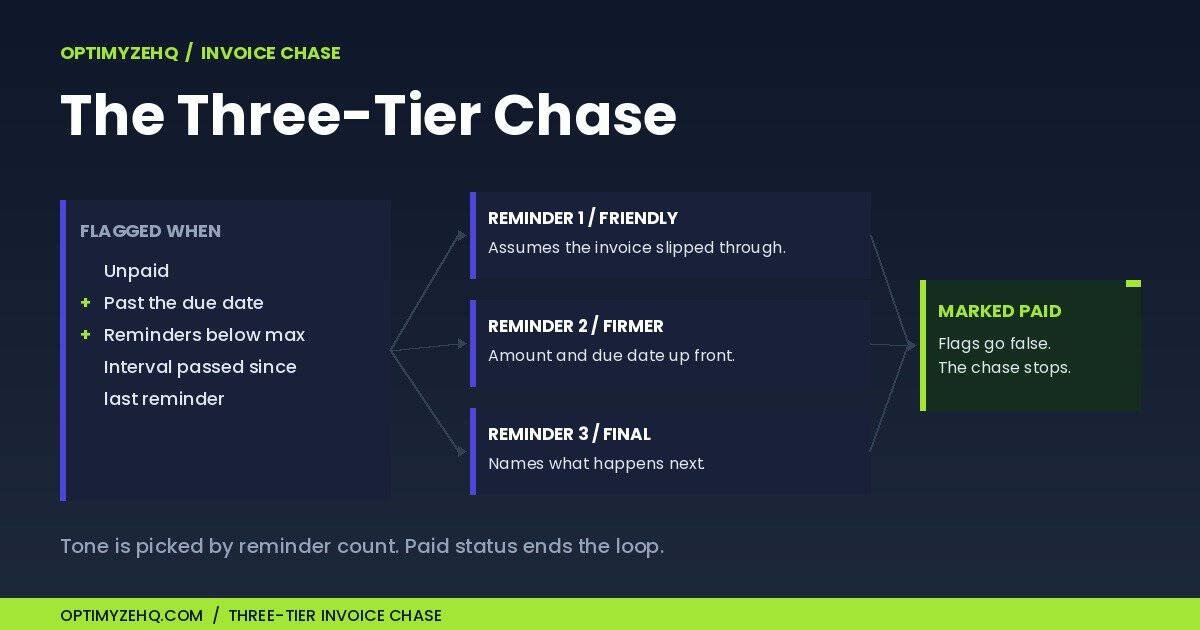
This stage is where I will point at the product once, because the mechanics above are lifted directly from it: the three-tier escalating chase is the centerpiece of the Client Pipeline Engine, and the story of building it, the stack choice and how the three pieces fit together, lives in the build story if you want to construct it yourself.
A note on the data these automations touch, because they handle client names, email addresses, and invoice amounts: that information is stored in your own Airtable base and your own email account, but the fields a scenario uses also pass through Make, and through the AI provider when a draft is generated. Anthropic does not train on API inputs or outputs by default under its commercial terms; still, send only the fields a draft needs, and keep genuinely sensitive material, such as financial documents or anything covered by an NDA, out of automated prompts until you have checked your own compliance obligations. The system also runs without AI: swap the drafted status and testimonial emails for fixed templates and personalize them by hand.
Stage 5: The Testimonial Ask While Goodwill Is Fresh
Trigger the testimonial ask a fixed number of days after the completion date. The best moment to ask is shortly after delivery, and this is the stage everyone skips.
The mechanism is the smallest in the system. Filling the Completion Date starts a countdown; my Settings table says five days; when the countdown lapses, a scenario drafts the ask, I approve it, and a Testimonial Requested checkbox stops it from ever asking the same client twice. Five days is deliberate: the win is still warm and the request reads as a natural close to the project rather than an ambush. It also runs independently of payment; a testimonial is about the work, not the invoice.
One drafted, personal ask, sent at the right moment, beats the perfectly written ask you never send. I went years without a testimonial page because asking felt awkward. The checkbox does not find it awkward.
Do You Need a CRM, a Database, or a Better Inbox?
The direct answer: most freelancers under ten active clients do not need CRM software. They need one of three setups, and the right one depends on how much automation you want and who you want owning your client data. If the build-your-own base is the path you pick, I wrote a step-by-step for a simple Airtable CRM for freelancers.
| Inbox + spreadsheet | Build-your-own base | Dedicated CRM software | |
|---|---|---|---|
| Cost shape | Free | Free tier covers most solo practices; automation platform adds a small monthly cost | Monthly subscription per tool, forever |
| Setup time | None | An afternoon | An hour, plus weeks of adapting to its opinions |
| Automation ceiling | None; everything is manual | High; any stage can run on a schedule | Whatever the vendor built, nothing more |
| Data control | Scattered, though easy to export | Centralized and exportable, though hosted by Airtable | Centralized; portability depends on the vendor and plan |
| Who it fits | One or two clients, short projects | Three to ten clients, recurring relationships, willing to set up a database | Heavy proposal and contract volume, or zero appetite for building anything |
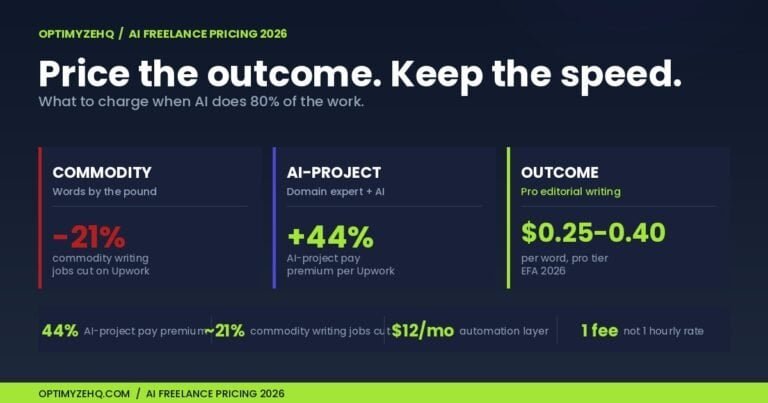
The honest case for each: the inbox-and-spreadsheet setup is underrated for a brand-new freelancer, and dedicated CRM software earns its subscription when proposals, contracts, and scheduling are genuinely the bottleneck, because those are hard to build yourself. The build-your-own base wins the wide middle, and the deciding factor is process complexity versus willingness to build. If you charge properly for your time, the math on what your hours are worth makes the subscription-versus-build question mostly answer itself.
What Does Client Management for Freelancers Look Like in Practice?
Here is one client moving through all five stages. (Example, not a real client; the timings are typical of my own runs.)
A design-studio owner fills out the intake form on a Tuesday at 2:14 p.m. while I am in a delivery block. At 2:18 the acknowledgment lands in her inbox, and a notification lands in mine. My hands-on time: zero. That evening I read her project description, already structured in the base, and send a personal reply. Ten minutes.
We agree on terms the following Monday. I set her stage to Onboarding, fill the Won Date, and draft the welcome packet with Claude from my notes: scope summary, how invoicing works, what I need from her by Friday. I tighten two sentences and send. Five minutes.
Day seven of the project, the weekly scenario notices her last update is older than my seven-day interval and drafts a progress note from my notes field. I approve it with one edit. Two minutes. She never sends an “any update?” email, because there is never silence to prompt one.
The invoice goes out at delivery with fourteen-day terms, and her invoice joins the 29% that go at least a day past due: nothing happens. Three days past due, the formula flags the invoice, and the friendly first reminder ships with the amount, the date, and the payment link. She pays the next morning and replies with an apology about a buried inbox. I mark it paid; the flags go false. My hands-on time for the entire chase: the thirty seconds it took to mark the invoice paid. The old version of me would have spent a week deciding whether day five was too early to nudge.
Five days after I fill the Completion Date, the testimonial draft appears. I approve it; she sends two paragraphs I still use. Two minutes.
Total hands-on time across the relationship’s admin: about twenty minutes, nearly all of it judgment rather than typing. Nothing waited on my memory.
What Should You Build First?
The minimum viable system is one base with a Clients table and an intake form; everything else attaches to that spine later. Build in this order:
- The Clients table. Name, company, email, project description, a Pipeline Stage field, and date fields for Won, Completion, and Last Status Update. Enter your current clients by hand; ten minutes of data entry buys you a single source of truth.
- The intake form. Airtable generates one from the table. Put the link on your site and in your email signature, and stop collecting project details across four email threads.
- The intake automation. The watch-acknowledge-flip routine from stage 1. It is the simplest scenario of the set and teaches you the pattern the rest reuse.
- The Invoices table and the chase. Invoice number, amount, due date, status, reminder count, and a link to the client. Highest payoff per hour of setup; this is the one that moves money.
- Status and testimonial routines last. They depend on habits, your notes field and your completion dates, that the first month of using the base will build.
If you would rather import the finished version than build it, that is what the Client Pipeline Engine is for, and the build story walks through the three-tool stack and how the three automations fit together if you want to construct it yourself. Either way, build nothing until the Clients table exists.
What Does This Cost to Run?
As a rough guide in June 2026: the database layer costs nothing, because Airtable’s free tier comfortably covers a solo client list. The automation layer starts free as well; Make’s free plan includes 1,000 credits a month (a credit is one module action) but allows only two active scenarios, and the paid Core plan runs $9 USD a month billed annually, or $10.59 month to month, when you outgrow it. The drafting layer is metered: Claude’s API bills by usage, and a drafted client email costs a fraction of a cent to a few cents per run depending on the model you pick. Check the live Make and Claude pricing pages before you commit, since plans and rates change. The realistic all-in for a running system is somewhere between free and the price of two coffees a month, against the admin hours it exists to recover.
Common Mistakes (I Made Most of Them)
Buying tools before defining stages. A CRM subscription does not create a process, it decorates the absence of one. Map your five stages on paper first; the tool choice becomes obvious afterward.
Automating the judgment emails. Scope changes, delays you caused, pricing conversations, and apologies should never ship without a human pass. Automate the predictable, draft the nuanced, and hand-write the hard.
Letting the inbox hold the client state. If “where are we with this client” is answered by scrolling email, every project carries a memory tax. The base, not the inbox, must be the record.
Chasing by mood. Inconsistent reminders train clients that due dates are soft, and silence trains them that paying late is free. A schedule with escalating tone is kinder and works better than the angry email you finally send on day forty.
Going live untested. Run every scenario against your own email address first, and confirm a paid invoice actually drops out of the queue before the daily schedule takes over. Five minutes of testing buys you a system you trust enough to forget.
Skipping the testimonial stage. It feels optional because nothing breaks when you skip it; what breaks is invisible, the proof your next pitch needed. A five-day trigger and a checkbox cost nothing to set up.
What This Isn’t
This is not a lead-generation system; it starts working at the moment a prospect contacts you and has nothing to say about how they find you. It is not project management; deliverables, tasks, and deadlines live wherever you run the work itself. And it is not bookkeeping; the Invoices table tracks who owes what so the chase can run, but your accounting stays in your accounting tool. If the bottleneck in your business is producing content rather than managing clients, that is a different system entirely. And if you want the wider map of which workflows a solo operator should automate first, the AI workflows for solopreneurs guide is the place this whole site starts from.
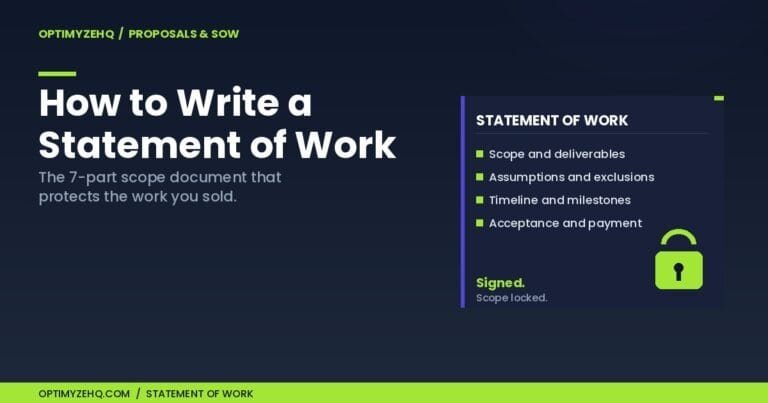
One more boundary, the one that matters most: the system is not a substitute for operating rules. It enforces whatever policies you give it; it cannot write them. Scope agreed in writing before work starts, a deposit on new clients, payment terms the invoice actually states, a named channel and a response window for communication, and a revision limit per deliverable: those decisions are yours, made once, and the automations carry them out. Weak rules, automated, fail faster.
If You’d Rather Import This
Everything above can be built by hand, and the build order is the one I would follow again. The Client Pipeline Engine is the same system packaged: the Airtable base with the tables, fields, and formulas pre-built, the three Make scenarios ready to import, and a step-by-step setup guide, at $147 founding pricing as of June 2026, limited to the first 50 buyers ($197 after). It exists for the freelancer who wants the system running this week instead of building it over a month of afternoons. The details are on the Client Pipeline Engine page.
FAQ
What is client management for freelancers?
Client management for freelancers is the work of tracking and acting on the state of every client relationship across five stages: intake, onboarding, status updates, invoicing, and testimonials. A working system keeps that state in one place, usually a simple database, and runs the recurring communication on a schedule.
Do freelancers need a CRM?
Most freelancers with fewer than ten active clients do not need dedicated CRM software, though client count is one signal and process complexity is the deciding one. A spreadsheet works for one or two clients, and a free database like Airtable with a few automations covers three to ten. CRM subscriptions earn their cost mainly when proposals, contracts, scheduling, or client portals are the bottleneck.
How do freelancers keep track of clients?
The reliable pattern is one database with a Clients table and an Invoices table, where every relationship has a pipeline stage and every invoice has a status and due date. The inbox is where conversations happen; the database is where the truth lives.
How do you ask for an overdue invoice without damaging the relationship?
Send a short, friendly reminder a few days past due that assumes good faith and includes the invoice number, amount, and payment link. Many late invoices are settled shortly after a reminder; invoice data shows roughly three quarters of late payments clear within two weeks of the due date, though the data records when they were paid, not why they were late.
How often should freelancers send status updates?
Weekly is the default that fits most project work: frequent enough that clients never have to ask, infrequent enough that each update has substance. The deeper rule is consistency on a fixed interval, because the update that prevents the nervous email is the one that arrives before it.
Can you automate client management for free?
Mostly, yes, with one real limit. Airtable’s free tier holds the database, and Make’s free plan includes 1,000 credits a month but allows only two active scenarios, enough for intake plus the invoice chase. Running all three automations at once takes the paid tier, and the metered AI drafting cost amounts to cents.
Start With Fifteen Minutes
You do not need the automations today. You need the table. Open Airtable, create a base, add the Clients fields from the build list above, and enter every active client with their current stage. Fifteen minutes, and “where are we with this client” has an answer that is not your memory. The automations attach to that spine whenever you are ready.
If you want the prompts and templates I use across this and the rest of my systems, the free Creator’s AI Starter Kit is the place to start.